![venari-security-logo-2022-1.png]](https://vhub.venarisecurity.com/hs-fs/hubfs/Imported%20images/venari-security-logo-2022-1.png?height=40&name=venari-security-logo-2022-1.png)
Welcome to Venari Security's Customer Support! We are dedicated to providing you with exceptional service and assistance. This guide will walk you through the various support channels available to you and how to make the most of our support services.
Contacting Venari's Tech Support
You can reach out to our Support team through the following methods:
- Venari's Customer Support Portal: [https://vhub.venarisecurity.com/customer-portal]
- Venari's Support Email Address: [support@venarisecurity.com]
- Venari's Direct Support Phone Number: +44 20 3821 5418
Venari's Customer Support Portal
As a Venari customer, you have access to a private Support Portal upon onboarding. The portal allows you to:
- Submit Support tickets directly for multiple support categories: Technical issues, product-related questions, and feature suggestions.
- View replies to the tickets submitted by the Support & Operations Team.
- View the ticket history.
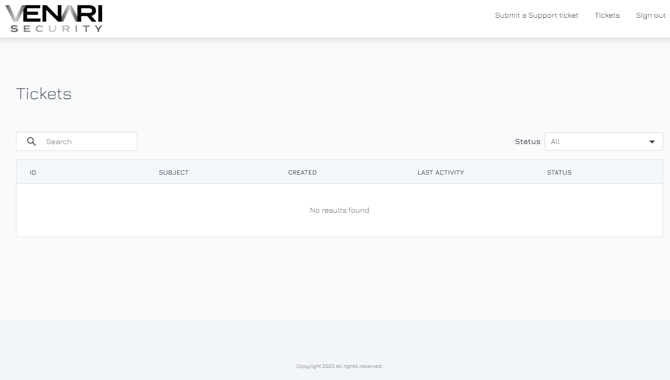
Once logged in, the home page of the Customer Support Portal will resemble the following:
Customer Support Portal Account Creation
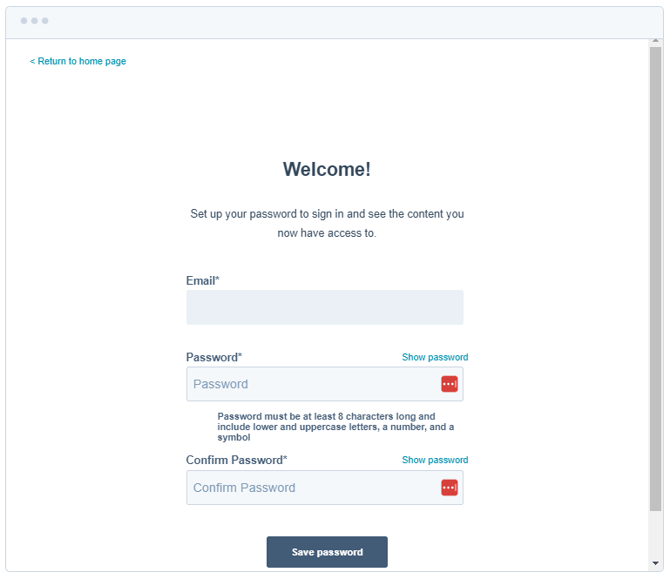
As a new client, our Sales Team will guide you through the onboarding process and grant you access to the Customer Portal. You will receive an email invitation to set up your credentials. The invitation will look similar to this:
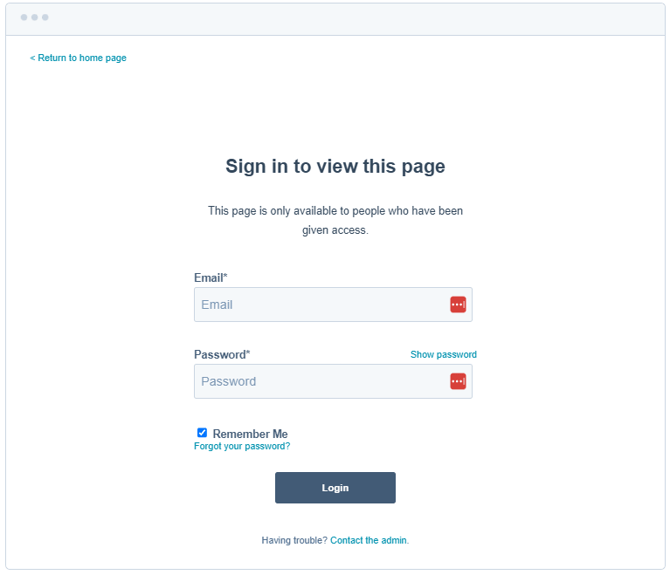
After that, you will be prompted to enter your credentials
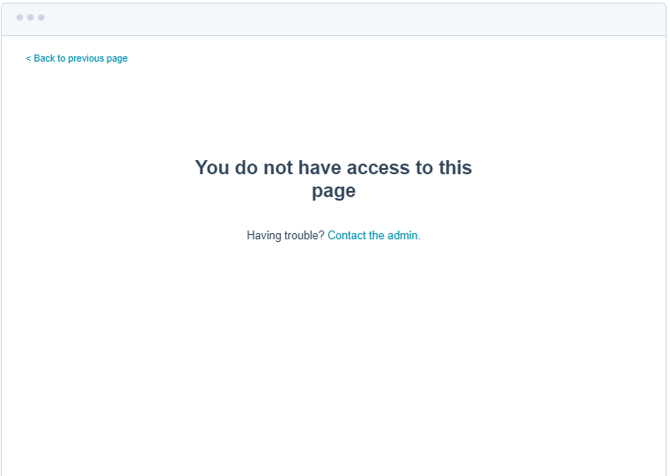
If you are an existing customer without a Customer Support Portal account or encounter an issue during authentication (similar to the example in the screenshot below), then kindly contact your Venari sales agent or reach out to us via the provided email address or phone number.
Password Reset
Existing customers who have lost their Customer Support Portal account credentials can reset their passwords by using the "Forgot Your Password" option on the sign-in page. They will be prompted to provide their email address.
.png?width=670&height=581&name=image-20230310-105840%20(1).png)
Submitting a New Tech Support Ticket
To submit a new Support ticket:
- Log in to your Customer Support Portal.
- Click on the "Submit a Support ticket" link.
- In the provided forms, include all relevant information, such as error messages, system configurations, and steps to reproduce the issue.
- Attach necessary files or screenshots.
- Choose the priority level for the ticket based on the severity of the request/issue.
.png?width=670&height=745&name=image-20230310-134947%20(1).png)
- Click on the "Submit" button.
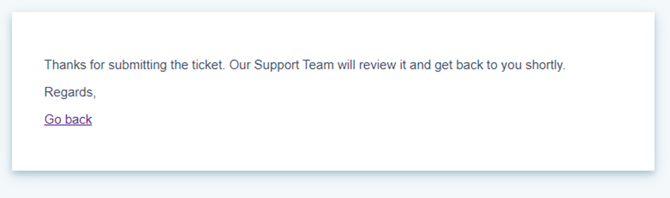
Upon submission, you will receive a confirmation, and the ticket will be available in the Tickets Tab of your Customer Support Portal. Our tech support team will promptly acknowledge your submission and provide updates throughout the resolution process.
To check the status of your tickets and view their history:
- Log in to your Customer Support Portal.
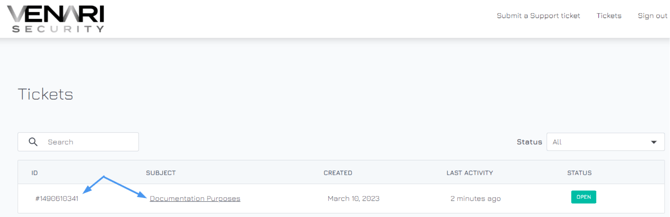
- Navigate to the "Tickets" section.
- You will find a list of your support tickets along with their status, updates, and resolution details. This list will also include any support tickets automatically generated when you email the support address instead of creating a ticket through the Customer Support Portal.
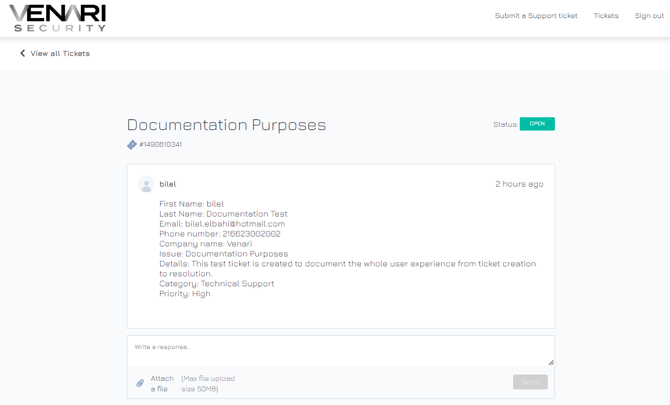
- By clicking on a specific ticket, you will be able to see the thread of the ticket, starting from the original ticket creation form until the latest reply. You will also be able to reply to the ticket directly from this screen to reopen it or if further details or communication are needed.
Please note that each account is only permitted to access and view the tickets they have raised through the portal or by email. As a result, you won't have visibility into tickets raised by other users within the same company or any other tickets.
Venari's Support Email Address
The Support Email Address [support@venarisecurity.com] provides additional flexibility in reaching our Venari Support Team to report issues and ask questions.
You may also receive emails from Venari's Support team via [support@venarisecurity.com] to inform you about necessary actions on your side, such as manual sensor updates (if necessary) or alerts requiring your intervention.
Please note that the emails you might receive from our support team are not security alerts linked to events detected by the VVP platform through the Venari sensors installed in your network. Instead, these emails pertain to actions you need to take to ensure the optimal functioning of the sensor, specifically if Venari identifies any issues with its operation.
Venari's Direct Support Phone Number:
You can call our Venari Support Team at +44 20 3821 5418. Support is available between 8 AM and 5 PM UTC from Monday to Friday.